Connections: Bring Linear, GitHub, and Notion into Your Writing
Ask the assistant about Linear, GitHub, and Notion without granting it permission to change those services.
By David Hemphill ·
Connections let the assistant read context from Linear, GitHub, and Notion while you work in Livemark. Connect an account, then ask a chat about an issue, a pull request, or a page rather than copy the material into the prompt yourself.
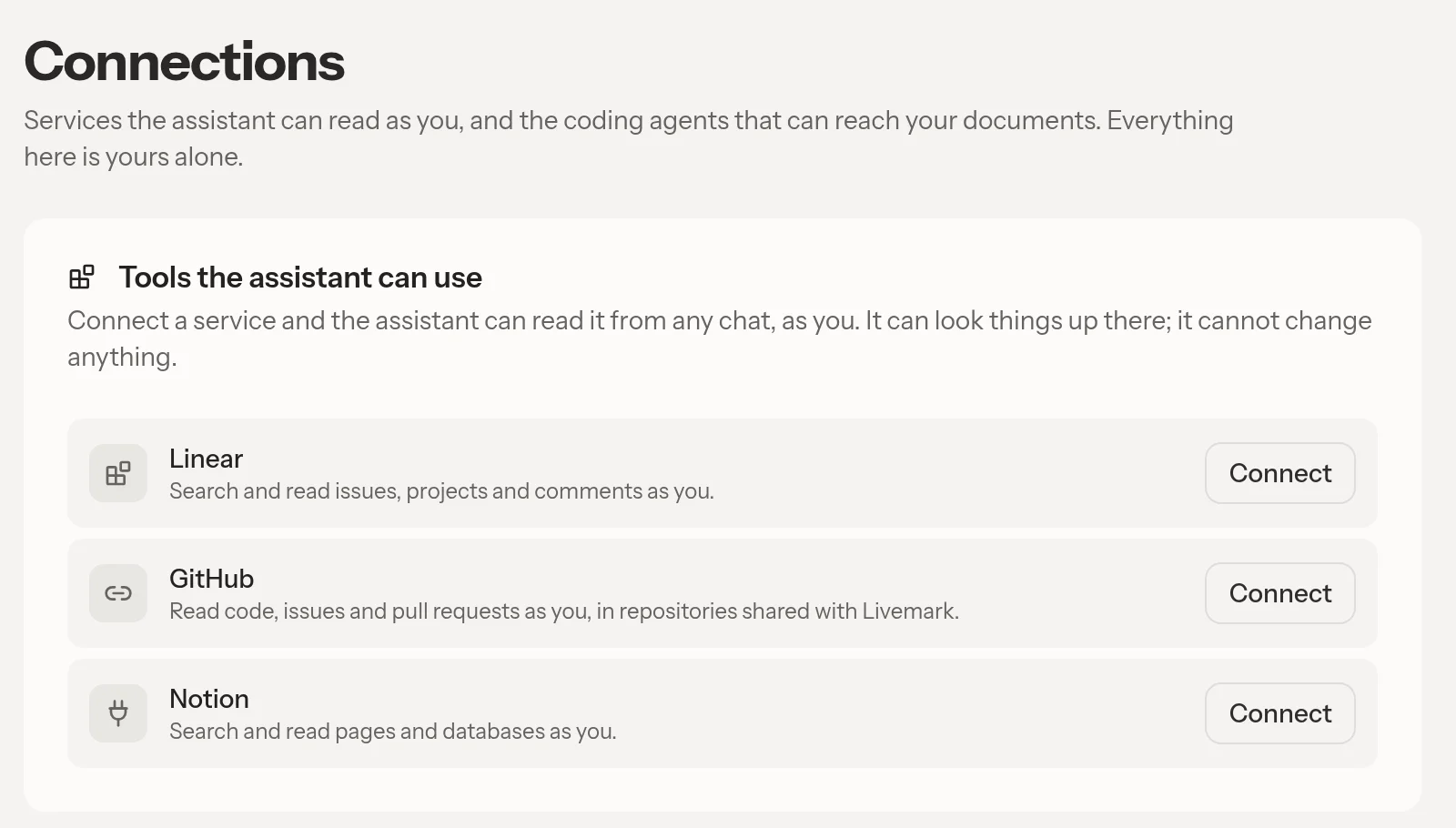
Connect Linear, GitHub, or Notion to bring their information into the conversation.
The built-in connectors are read-only and act as the person who connected them. They do not turn the assistant into a team-wide service account or let it update external work on your behalf. The connection row identifies the account, and Disconnect removes the grant.
GitHub access uses a GitHub App installation, so the installation controls which repositories are available. Existing connections made through the earlier OAuth App were removed as part of that change; reconnect rather than assume an old grant still works.
Team admins can also offer a custom MCP server, with its tools available to inspect before members connect. Changes to that server's tool list wait for admin confirmation instead of silently expanding the assistant's toolset.
Use these connections to bring evidence into a draft, then check the source before making a commitment.
Open Livemark and choose Connections to review the services available to you.