Projects: Bring Your Writing and Reference Material Together
Projects bring related writing and searchable files together, with room to describe the work.
By David Hemphill ·
Projects now give related work a home in Livemark. Put the documents for an initiative alongside the files that inform them, and describe the project itself rather than relying on a folder name to explain why everything belongs together.
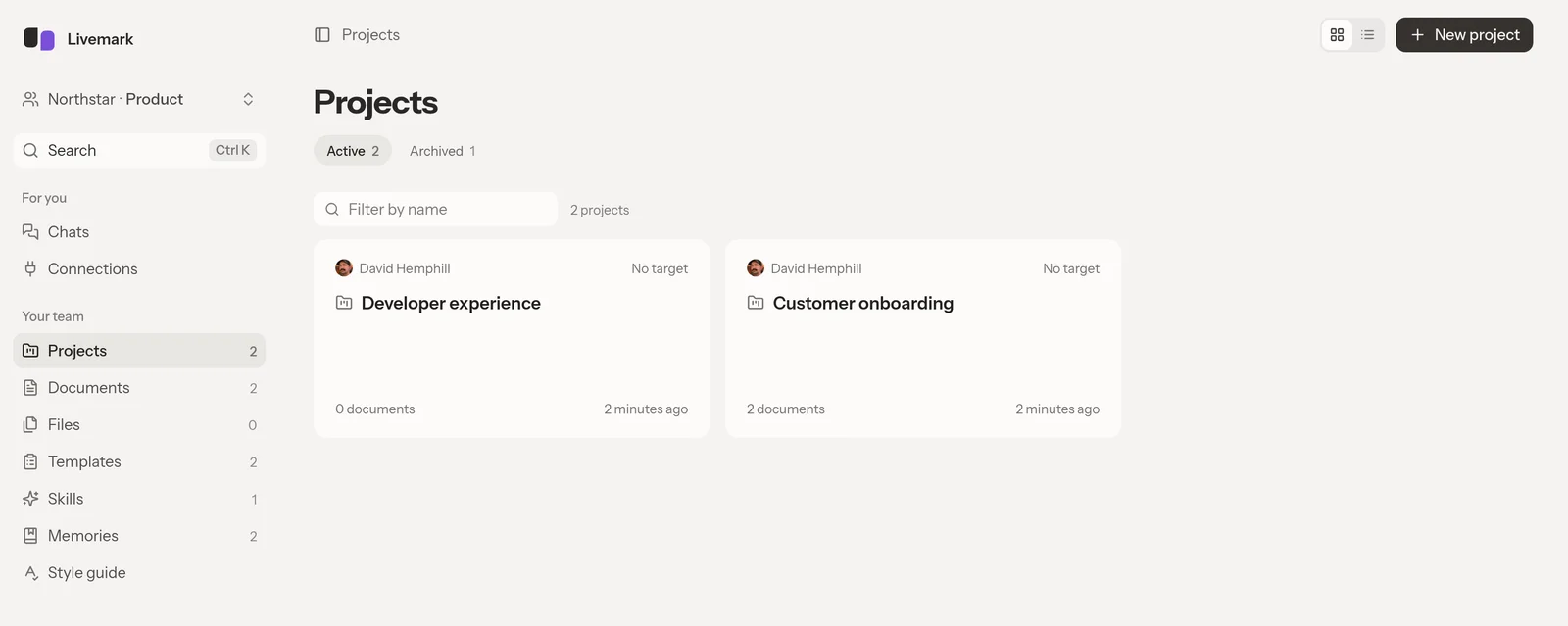
Give each initiative a home, with its documents close at hand.
A useful starting point is a draft specification and the notes behind it. Add the source files to the project, then ask the assistant a question about that material while developing the document. File search gives it a way to find relevant passages instead of requiring you to paste every source into the conversation.
Some context belongs to more than one initiative. Files can also be kept for every project, so shared reference material does not need to be uploaded separately for each piece of work. Choose that scope deliberately: a project-specific note and a reference the whole team relies on serve different purposes.
Projects belong to a team, not a new public sharing surface. Keep the source material with the team that should use it.
Open Livemark, create a project, and add the document and notes for one current piece of work.