Vim Mode: Stay on the Keyboard, Stay in the Draft
An opt-in, limited-rollout editing mode adds familiar motions and operators without changing the shared document format.
By David Hemphill ·
Livemark now includes optional Vim keybindings for people who prefer to edit without repeatedly reaching for the mouse. The implementation adds Normal and Insert modes, a visible mode label, motions and counts, operators, and repeat behavior to the editing surface.
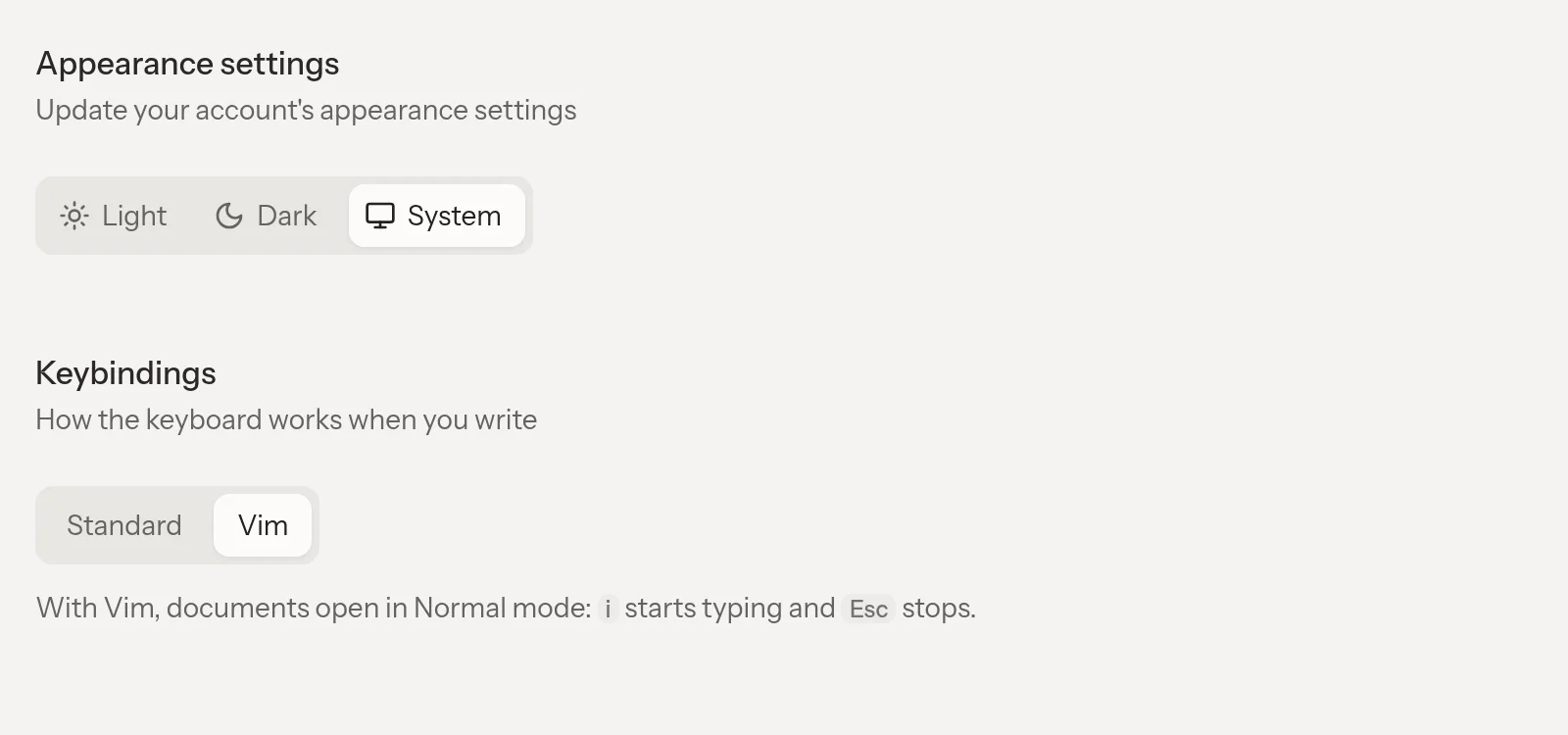
Choose Vim keybindings in Appearance settings.
For a familiar workflow, move through a paragraph in Normal mode, make a targeted change, then return to Insert mode to write. The draft remains the same collaborative document; choosing a keyboard mode does not create a separate text-only copy for other collaborators to reconcile.
This is a limited rollout, not a setting available to every account. The feature must be enabled for your account before Keybindings appears in Appearance settings, and you must then opt in. Touch devices retain the standard editor. People without the feature or without the setting keep the ordinary editing experience.
The goal is useful Vim-style editing inside a rich document, not a claim to implement an entire terminal editor or its plugin ecosystem. Familiar application shortcuts still have their role.
Open Livemark and check Appearance settings if your account has access; otherwise continue with the standard editor.