A New Look for Livemark: More Room for What Matters
A refreshed Livemark brings a quieter editor, consistent lists, and a choice of cards or rows for finding your work.
By David Hemphill ·
Livemark has a new visual foundation: a warm paper palette, quieter controls, and more consistent surfaces across documents, projects, chats, files, templates, and skills.
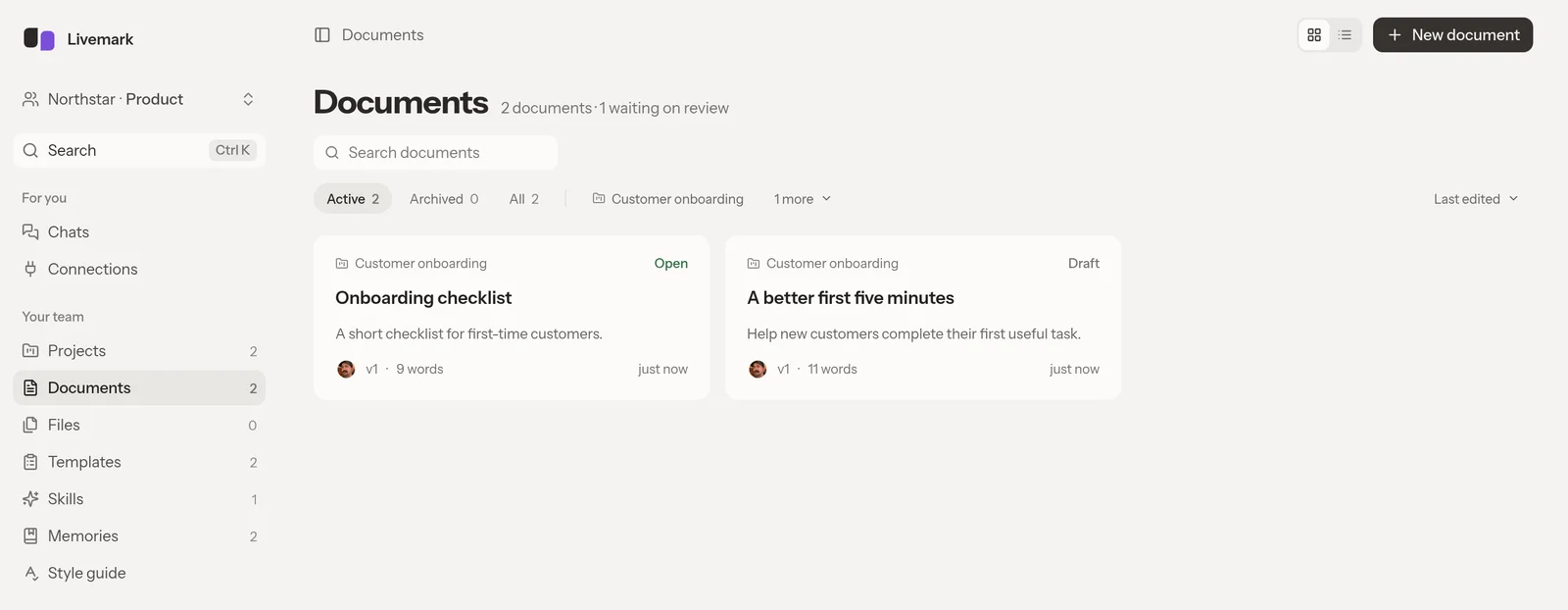
A quieter home for your documents, with project filters and review status at a glance.
The point is to make the writing easier to stay with. The document and its tools have clearer places, while supporting pages use the same typography and control patterns rather than asking you to learn a different arrangement for each kind of work.
On the main lists, choose cards when a little more context helps you recognize something, or rows when you want to scan names. Documents and projects also use server-side pages, so moving through a growing collection does not require loading the whole thing into the browser first.
The redesign does not change who can read a document or how a review reaches Approved. It gives those existing workflows a more consistent presentation, from finding a draft to opening the editor and discussing a passage. Your documents remain the same collaborative documents.
Open Livemark, try both list views, and use the arrangement that makes your current work easiest to find.